Current: Time Entries
Highlights of The Time Entries Page
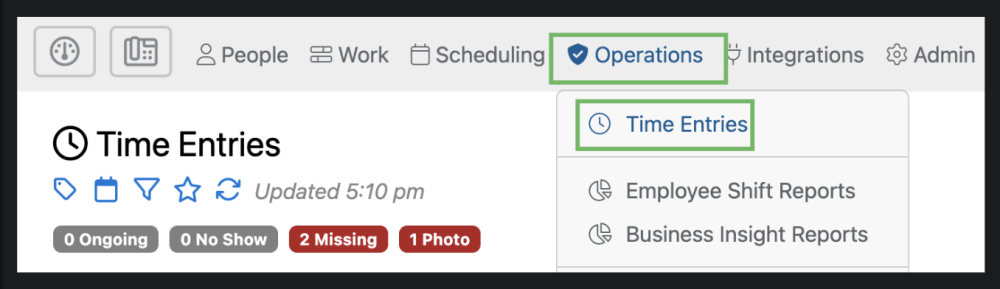
The Time Entries page can be accessed by selecting “Operations” from the top menu and then “Time Entries” from the drop down.
The Time Entries section of the portal is the place you are likely to visit most often. It contains an up-to-the-minute view of every timesheet entry your employees have ever created. You can easily see who is currently checked in throughout the day, using any device.
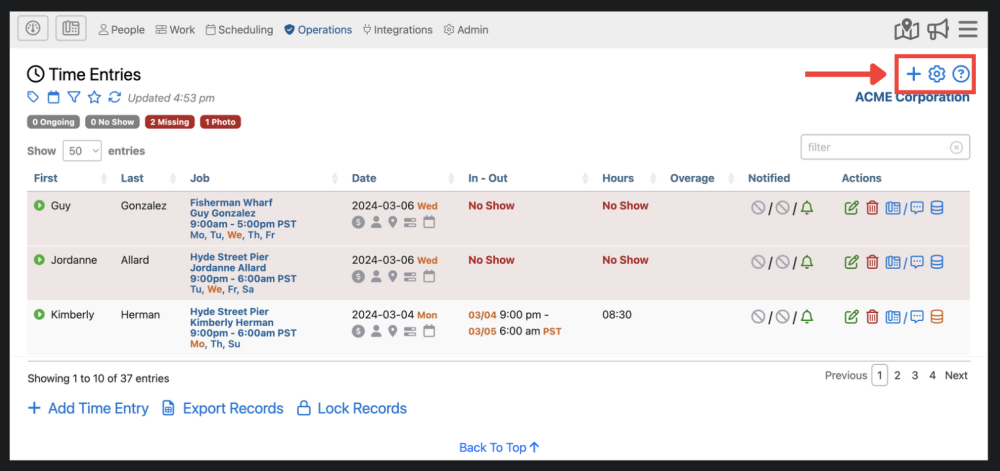
1. Here you can add a time entry  , adjust settings
  , and find additional information about the time entries page
  .
.
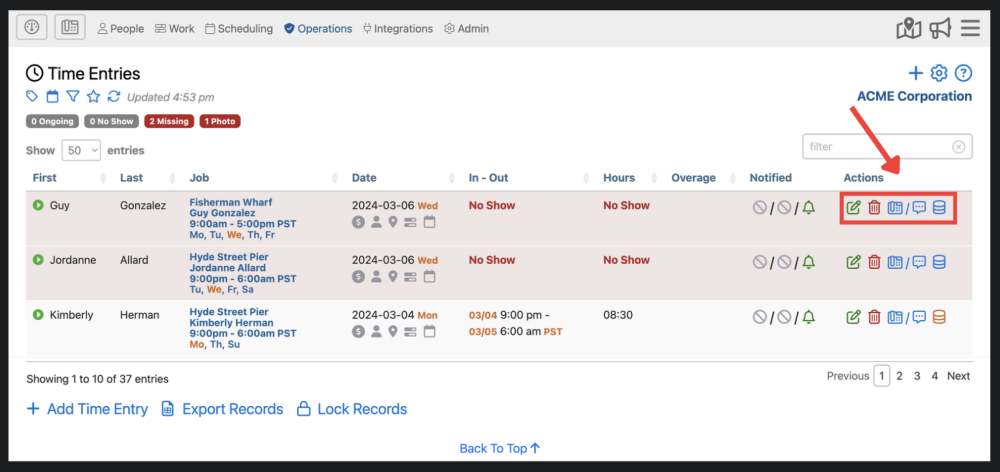
2. Here you can edit  time entries, delete
  time entries, view an employees contact information, notes, or comm log
  and click-to-call
  , and audit history
3. Here, you can add a new time entry. This has the same function as the blue plus sign in the upper right corner. You can also download time entry records by clicking  and lock records by selecting
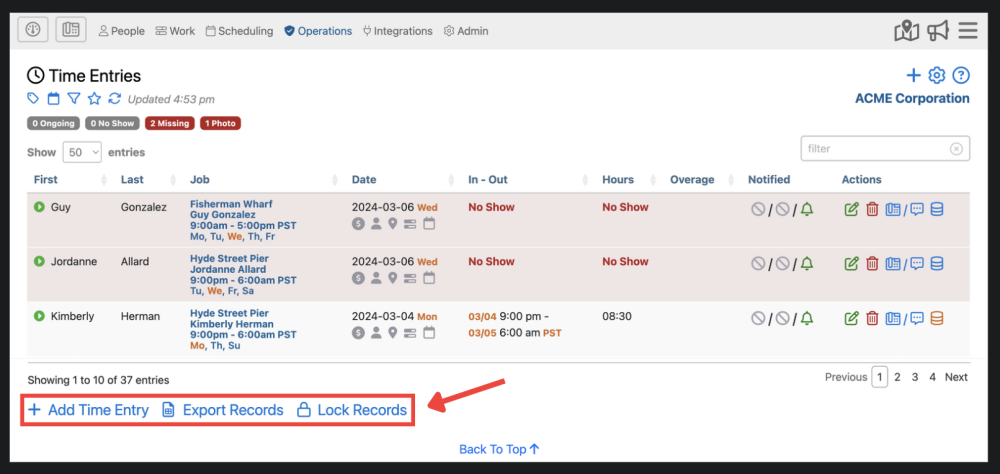
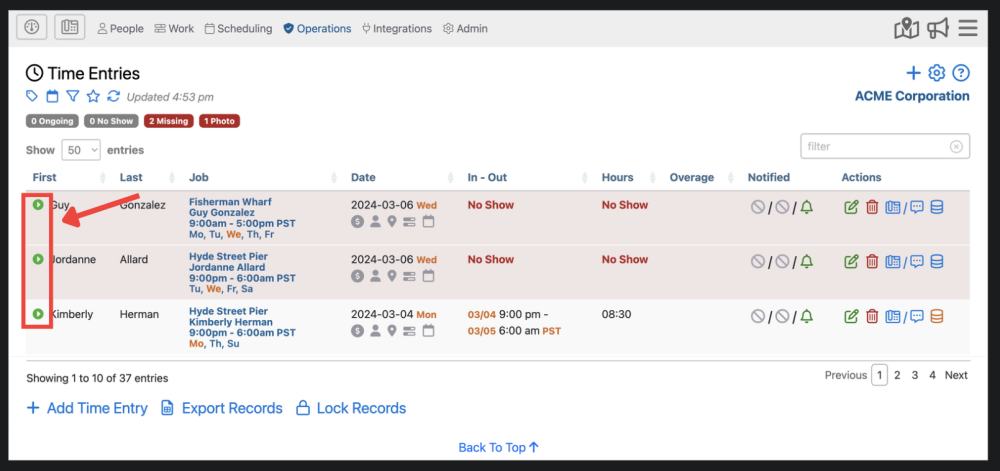
4. Here you can expand a time entry by clicking the  icon.
icon.
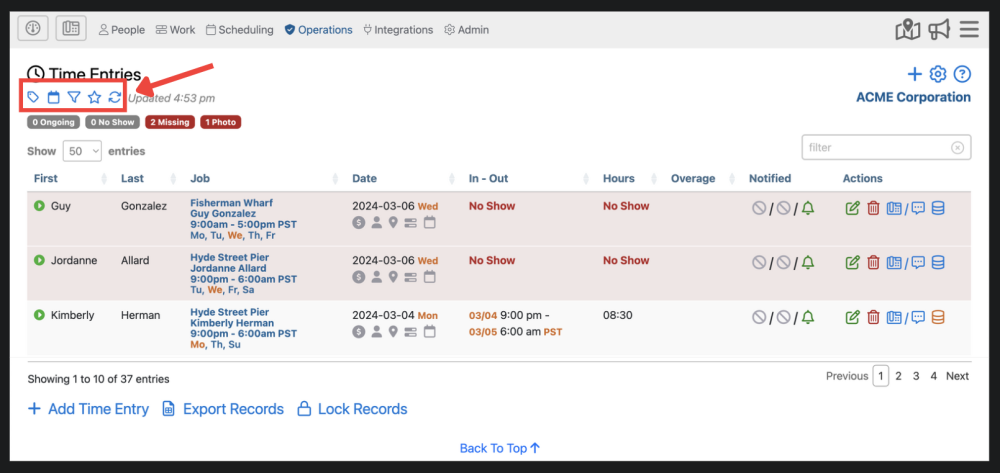
5. Here, you can filter time entries using certain criteria using the tag filter  , view your time entries on a day-by-day basis
  , select a date range filter which will show only time entries from that range
  , show time entries from the last 30 days that may need attention
  , and refresh the Time Entries page
  .
.