Current: Business Insight Reports
Telephone Timesheets supports a variety of report types. Details on each report type can be found in the Report Types section of the user manual.
Each time a report is run, it creates a record in the Report History section. You can view past reports and re-run past reports from the history section. This is useful if you make changes in the Time Entry log and wish to re-run a payroll report. It is a best practice to keep an eye on Time Entries regularly and fix up any forgotten check outs, or other issues. Then, when it is time to run payroll reports, your data will be accurate.
Highlights of The Business Insight Reports Page
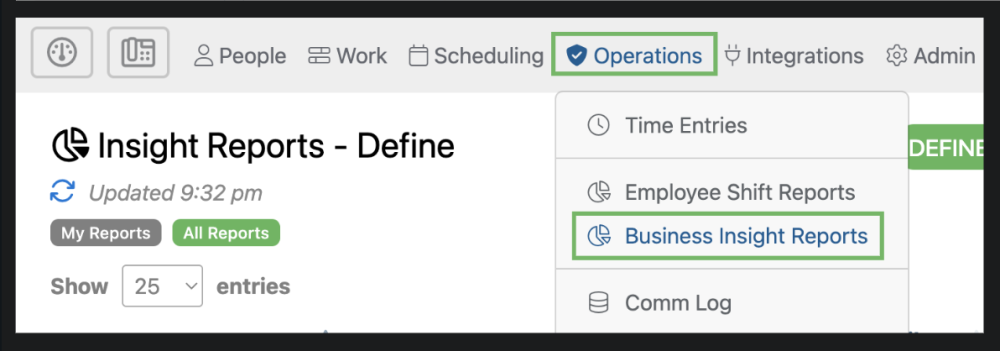
The Business Insight Reports page can be accessed by selecting “Operations” from the top menu and then “Business Insight Reports” from the drop down.
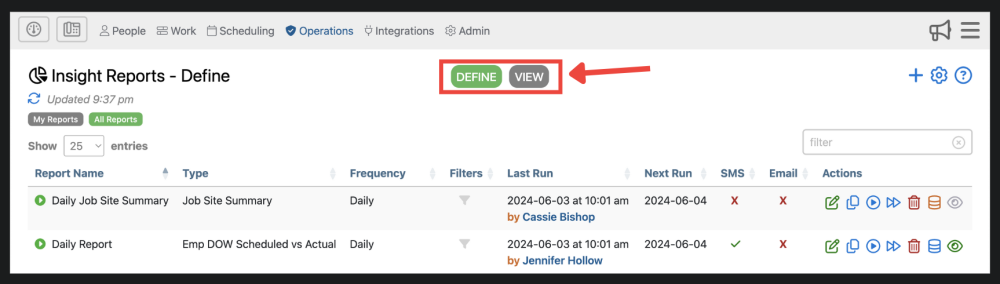
1. Reports are organized into 2 different categories; Define and View. The “Define” tab allows for you to see your reports settings and details. The “View” tab allows for you to see all reports that have already been run.
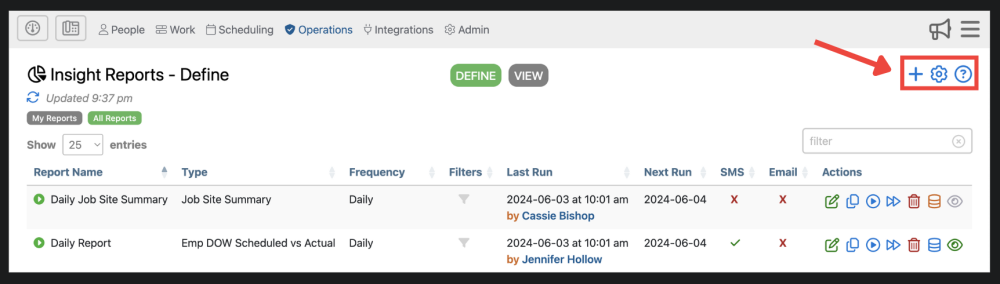
2. Here you can create a new report  , adjust settings
  , and find additional information about the reports page
  .
.
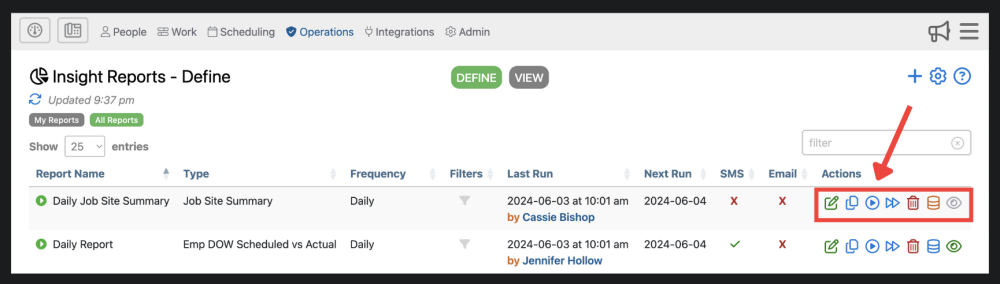
3. Here you can edit reports  , copy a pre existing reports
  , run the report
  , run the current report period-to-date
  , delete the report
  , view the audit history
  , or view the last run report
  .
.
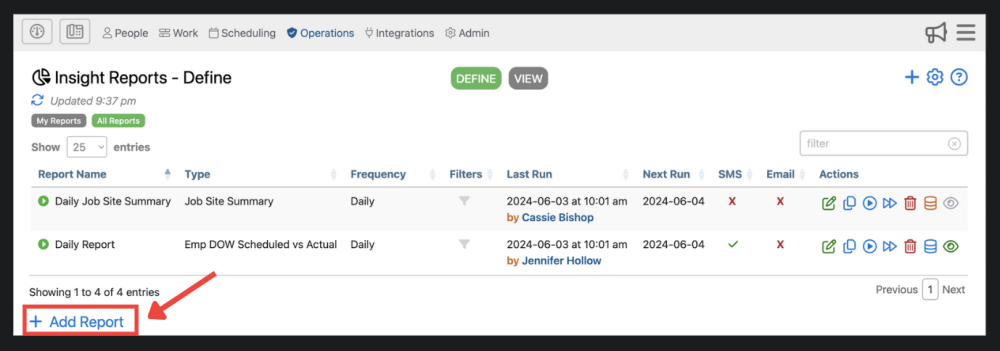
4. Here, you can add a new report. This has the same function as the blue plus sign in the upper right corner.