Current: Administrative Portal
Telephone Timesheets is a time clock and daily operations service that has 6 primary components:
1. The employee phone clock-in system that your employees call to clock in and clock out, as well as other daily functions like submitting in-shift checkpoints.
2. The employee web clock-in system that your employees can use to clock in and clock out from their smart phone’s web browser, as well as other daily functions like submitting shift reports, checkpoints, and checkout checklists.
3. The two-way voice communication system.
4. The two-way text communication system.
5. The open API (Application Programming Interface) that administrators can use to integrate in-house and third-party systems with Telephone Timesheets. For example, you may want to synchronize with existing HR or ERP systems that contain employee data, customer data, schedules, etc. The open API allows you to send data to Telephone Timesheets as well as retrieve data from Telephone Timesheets.
6. The administrative portal. This is the responsive web portal that admins and supervisors can use to manage the system, view time entries, view reports, and communicate with the field.
You will be automatically logged in to the Administrative Portal as soon as you finish creating your Free Trial account. You’ll want to add a bookmark for the portal, so that you can return to it easily. If you are using a smart phone, you will want to add the web page to your Home Screen so that you can access it like any other app directly from your Home Screen.
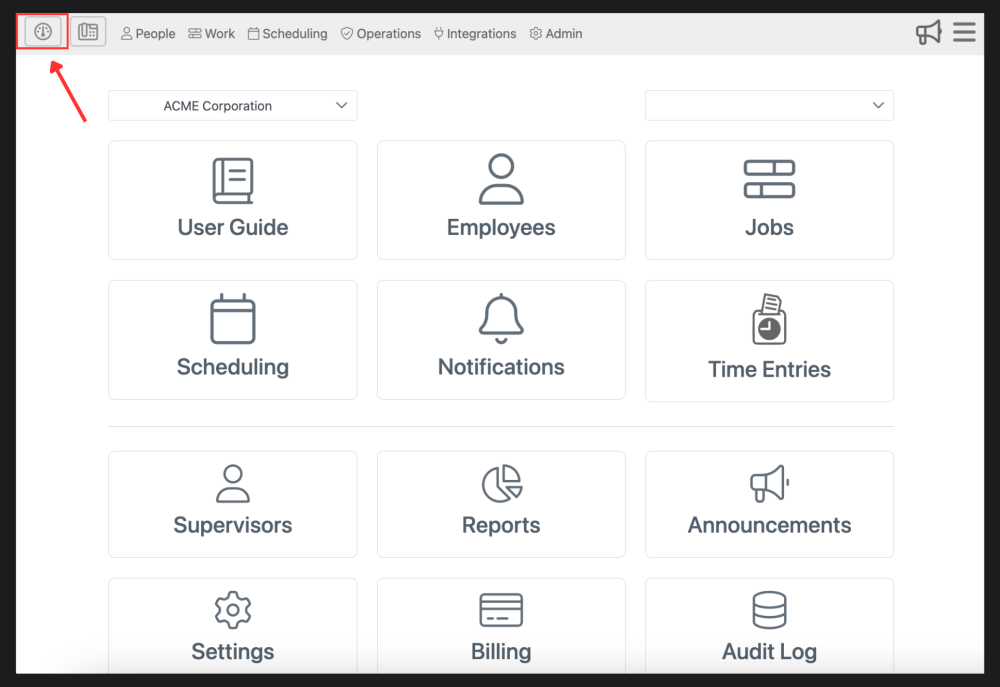
You can log in to the portal using any device that supports a modern web browser, such as smart phones, tablets, and computers. When you first log in to the portal, you are brought to the Dashboard. The Dashboard is where you can find all the sections within Telephone Timesheets
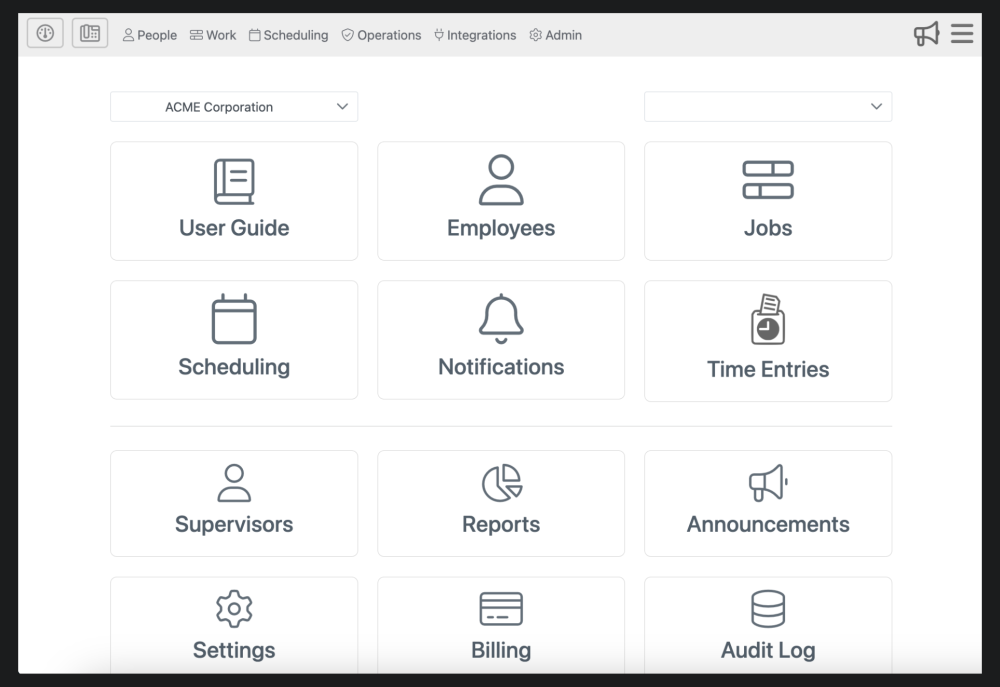
There is a Dashboard button in the upper left corner of the page. This button will always bring you back to the Dashboard view no matter where you are on the Telephone Timesheets website.