Change queue access

Enter password

Enter the password to open the change queue and review drafts.

V20260505.1901
Stage deploy healthy · Updated May 5, 3:01 PM

Viewing the current page. Start typing in the proposed side to make changes.

Current: Bill / Pay Rates

Administrative Portal > Admin > Bill / Pay Rates

You can create more detailed employee pay rates on the Bill/Pay Rates page. You can create job-specific bill/pay rates for employees, clients, and vendors. This information will be visible in certain types of reports. In order to create a employee, client, or vendor bill/pay rate, you will need to be its corresponding tab.

Highlights of The Bill/Pay Rates Page

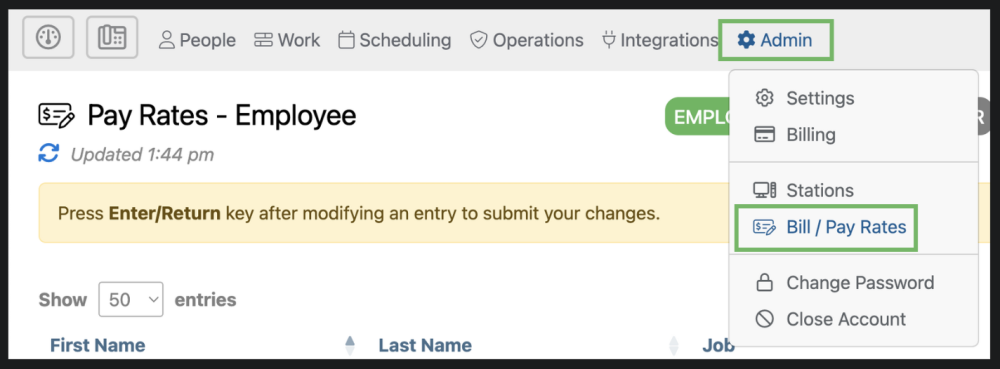
The Bill/Pay Rates page can be accessed by selecting “Admin” from the top menu and then “Bill / Pay Rates” from the drop down.
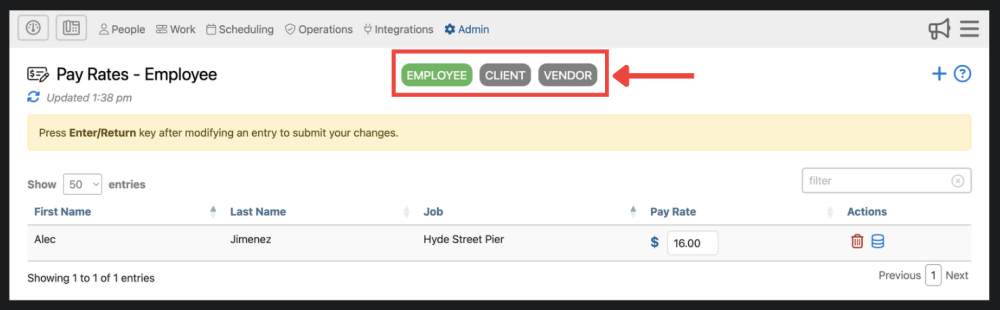
1. Bill/pay rates are organized into 3 different categories; Employee, Client, Vendor. You can filter bill/pay rates using these 3 tabs
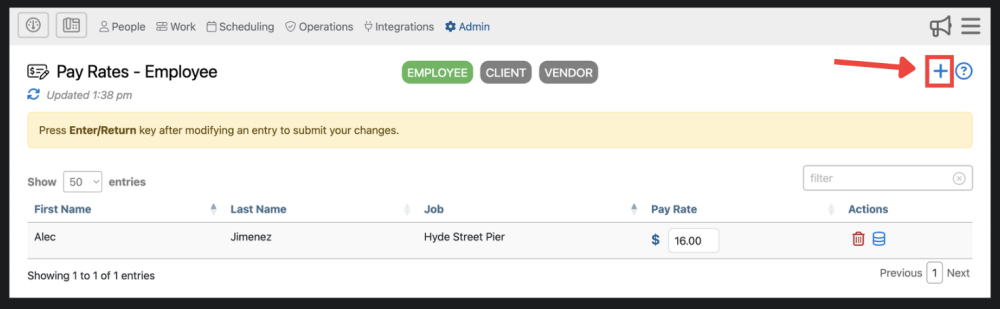
2. Here you can add a bill/pay rate and find additional information about the Bill/Pay Rates page .

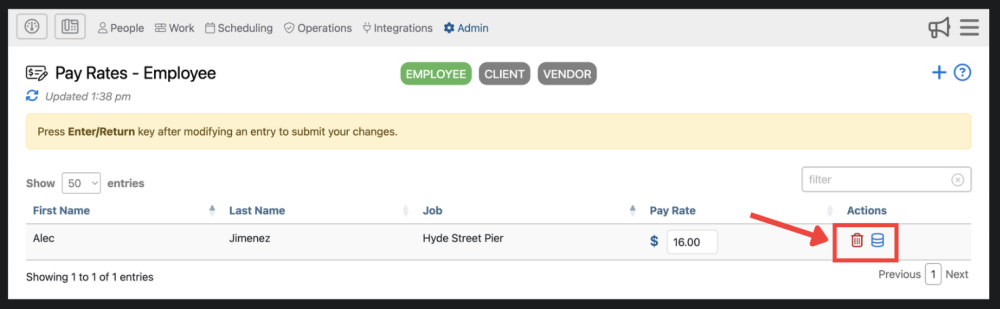
3. Here, you can delete bill/pay rates Delete Button and view the audit log.

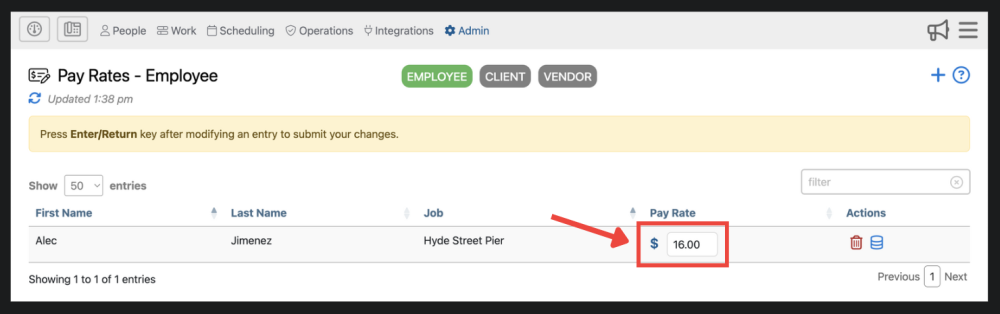
4. Here, you are able to edit the rate for any bill/pay rate record. Make sure you press Enter/Return to save your changes to the bill/pay rate.
Proposed: Bill / Pay Rates

Administrative Portal > Admin > Bill / Pay Rates

You can create more detailed employee pay rates on the Bill/Pay Rates page. You can create job-specific bill/pay rates for employees, clients, and vendors. This information will be visible in certain types of reports. In order to create a employee, client, or vendor bill/pay rate, you will need to be its corresponding tab.

Highlights of The Bill/Pay Rates Page

The Bill/Pay Rates page can be accessed by selecting “Admin” from the top menu and then “Bill / Pay Rates” from the drop down.

1. Bill/pay rates are organized into 3 different categories; Employee, Client, Vendor. You can filter bill/pay rates using these 3 tabs

2. Here you can add a bill/pay rate and find additional information about the Bill/Pay Rates page .

3. Here, you can delete bill/pay rates Delete Button and view the audit log.

4. Here, you are able to edit the rate for any bill/pay rate record. Make sure you press Enter/Return to save your changes to the bill/pay rate.