Current: Associating Customers & Service Items To Jobs
To associate QuickBooks Customer and Service Item data with a Job, use the Edit Job form as shown below.
This form can be found in the Jobs section of the Telephone Timesheets admin portal.
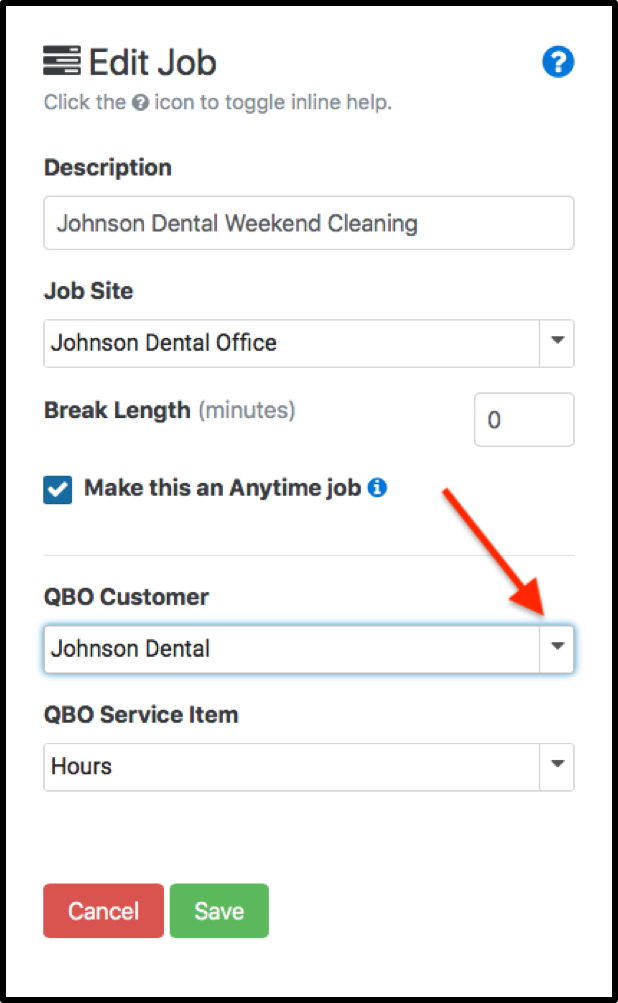
To associate QuickBooks Customer and Service Item data with a Job, use the Edit Job form as shown below.
This form can be found in the Jobs section of the Telephone Timesheets admin portal.
To associate QuickBooks Customer and Service Item data with a Job, use the Edit Job form as shown below.
This form can be found in the Jobs section of the Telephone Timesheets admin portal.