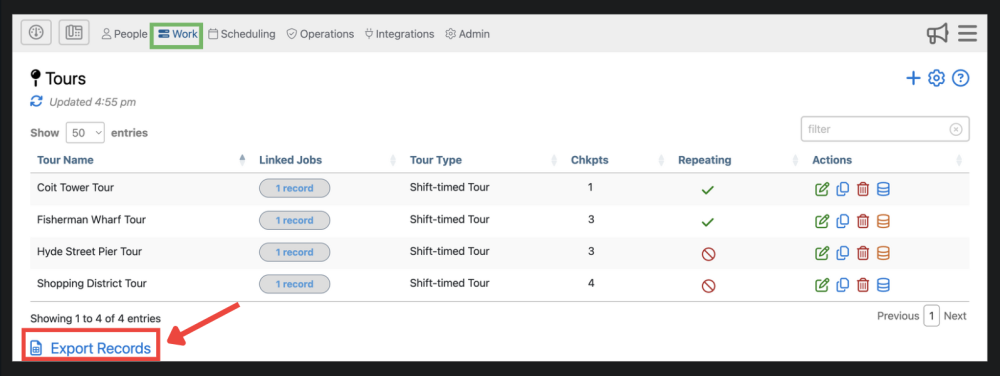
Highlights of The Tours Page
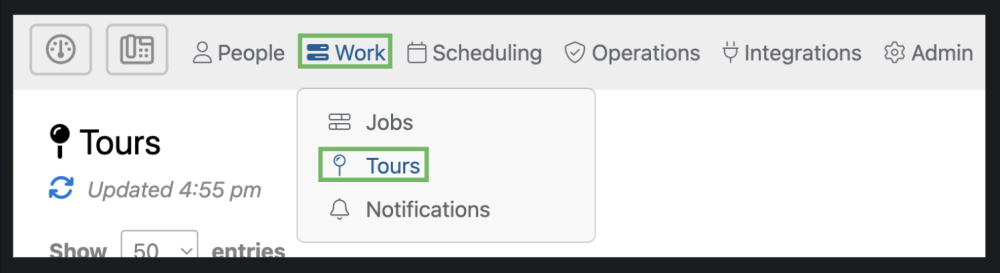
The tours page can be accessed by selecting “Work” from the top menu and then “Tours” from the drop down.
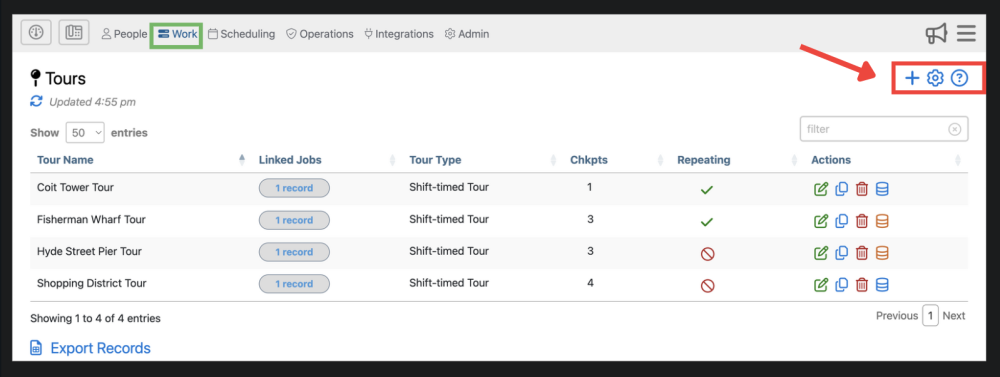
1. Here you can add a tour, adjust settings, and find additional information about the tours page .
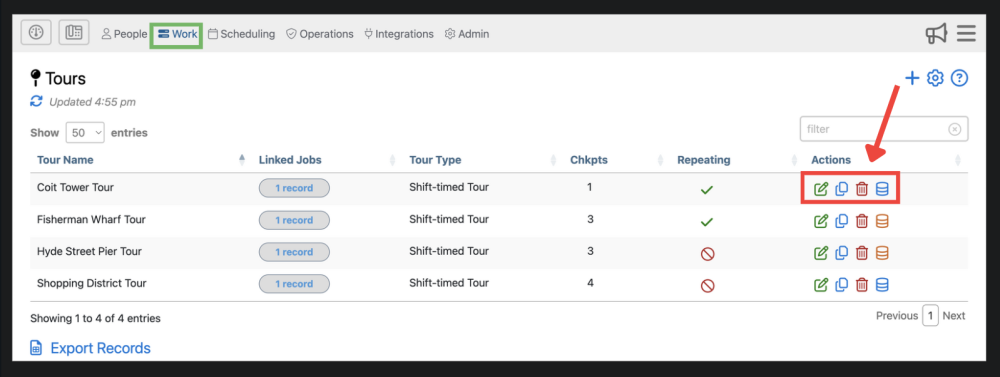
3. This is where you edit  , delete
  , copy tours
  , and view audit history
4. Here, you can export records from the tour by clicking