Getting Started With Telephone Timesheets
Telephone Timesheets combines employee time capture, field communication, and admin operations in one system. Most teams begin in the Administrative Portal and then roll out employee-facing clock-in options.
The core parts of the platform are:
1. Employee phone clock-in for call-based check in and check out.
2. Employee web/app clock-in for mobile check in, reports, checkpoints, and checklists.
3. Two-way voice communication tools.
4. Two-way text communication tools.
5. Open API access for connecting HR, ERP, scheduling, and related systems.
6. The Administrative Portal for supervisors and admins to manage daily operations.
After creating your Free Trial account, you are taken directly to the Administrative Portal. Add a bookmark (or a Home Screen shortcut on mobile) so your team can return quickly.
The portal works on modern phones, tablets, and computers. Your first destination is the Dashboard, where you can access major sections of the system.
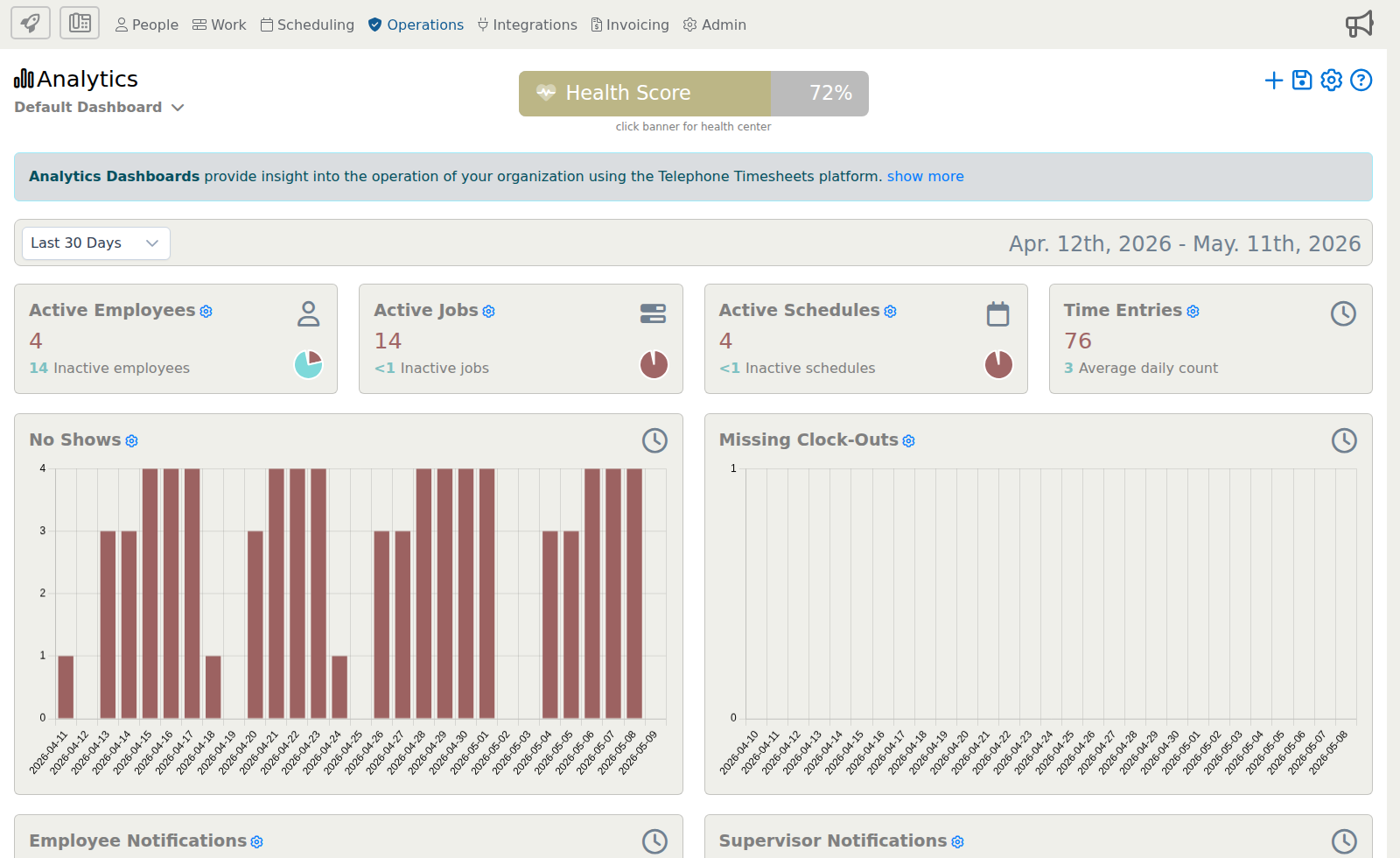
To return to the Dashboard from anywhere in the portal, first open the Rocket menu, then click the Dashboard icon inside that menu. This is a two-click path: Rocket menu, then Dashboard.