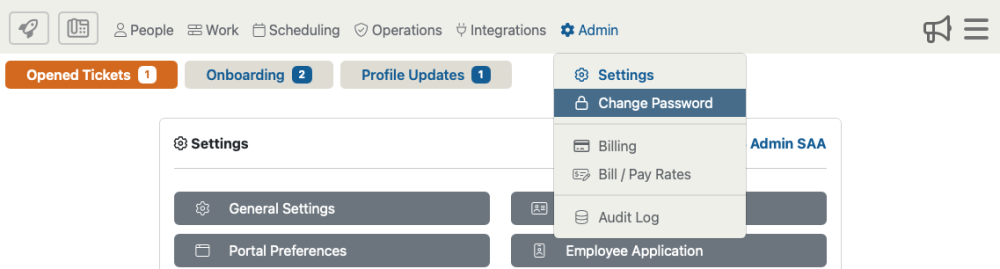
Accessing changing your password by selecting “Admin then, “Change Password” from the drop down menu.
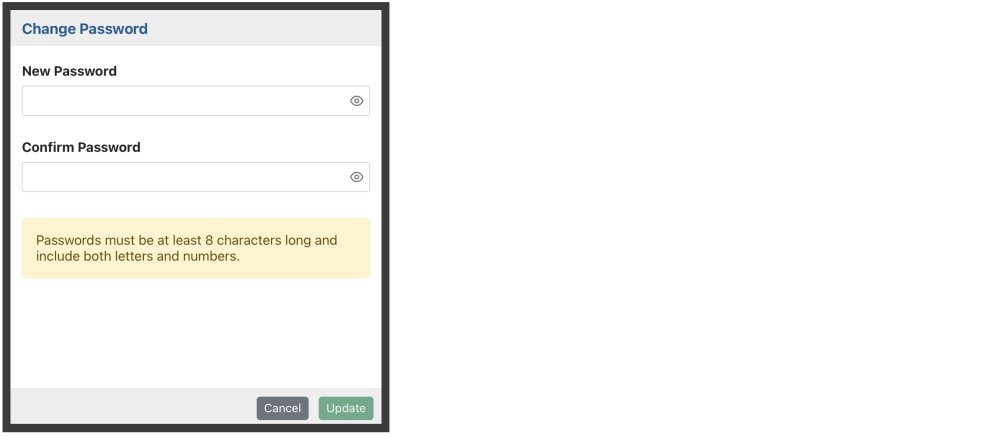
Here you are able to create a new password to access the admin portal. Your password must be at least 8 characters long and include both letters and numbers.