Payments
The Payments page is where administrators review invoice payment records and confirm which payments have been recorded against customer invoices.
Open the page from Invoicing > Payments in the Administrative Portal.
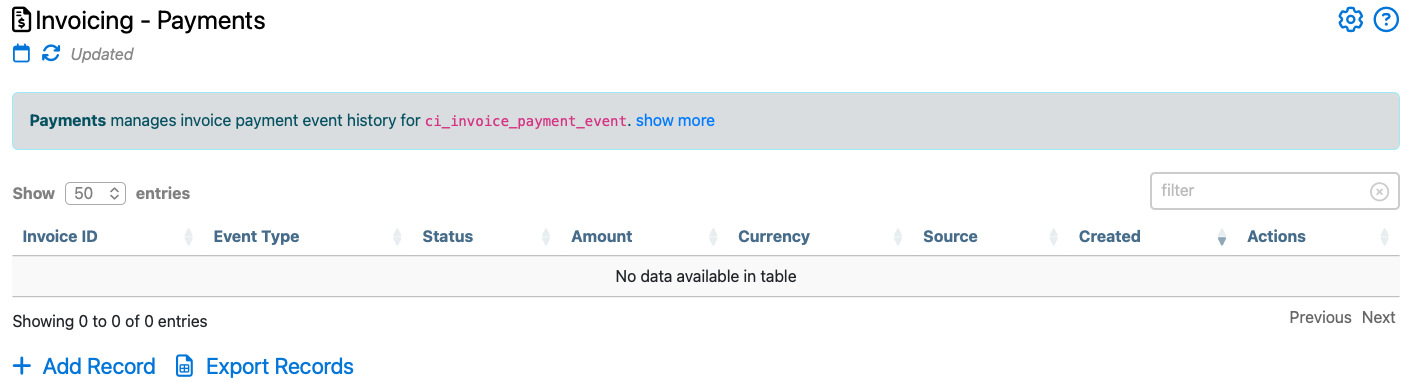
Use this page to compare payment activity with invoice records, review payment dates and amounts, and confirm that customer balances reflect the payments your company has received.